Guides
Better video calls with the phone you already own.
Short, practical guides: when you don’t need a new webcam, how to set PhoneCam up on iPhone and Android, and how to use it in Zoom, Meet, Teams and OBS.
Buying advice · 2 min read
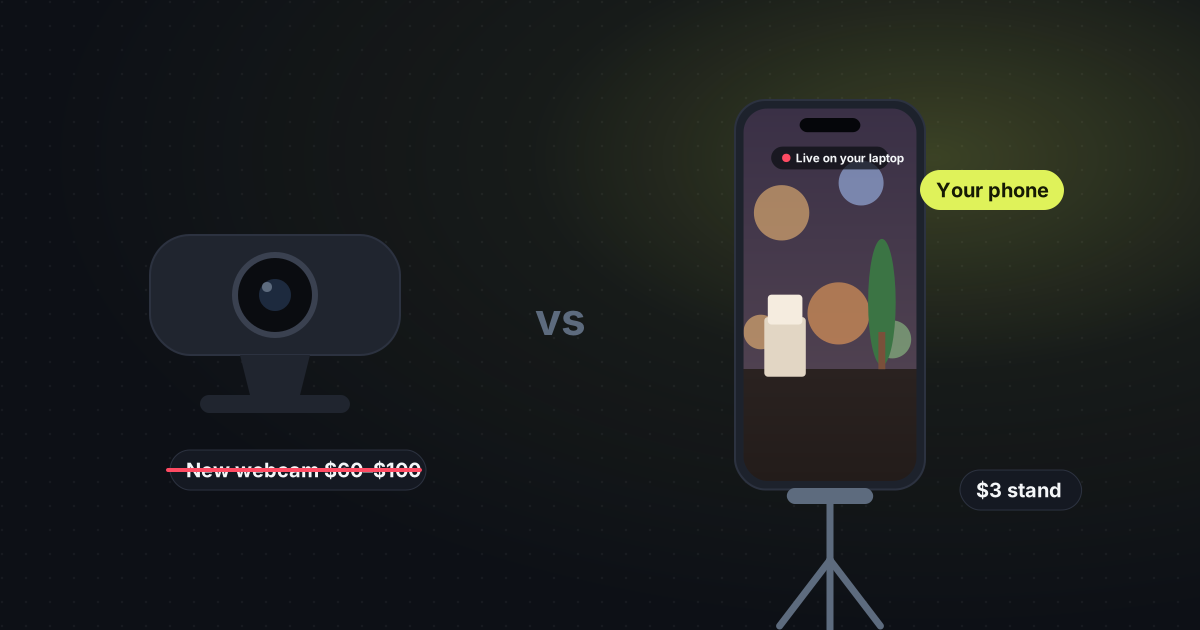
Don’t buy a webcam. Use your phone and a $3 stand
The camera you were about to buy is already in your pocket. PhoneCam sends it to your laptop.
Read the guide →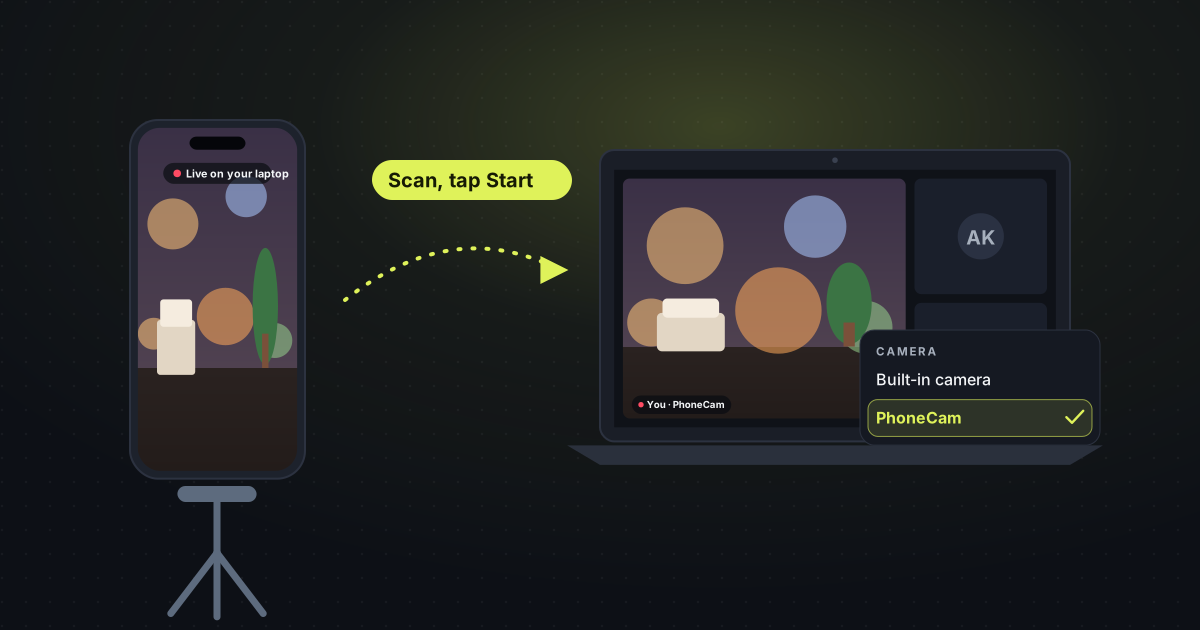
Setup · 2 min read
Use your phone as a webcam
Scan a code, tap Start, and the phone you already own becomes the webcam.
Read the guide →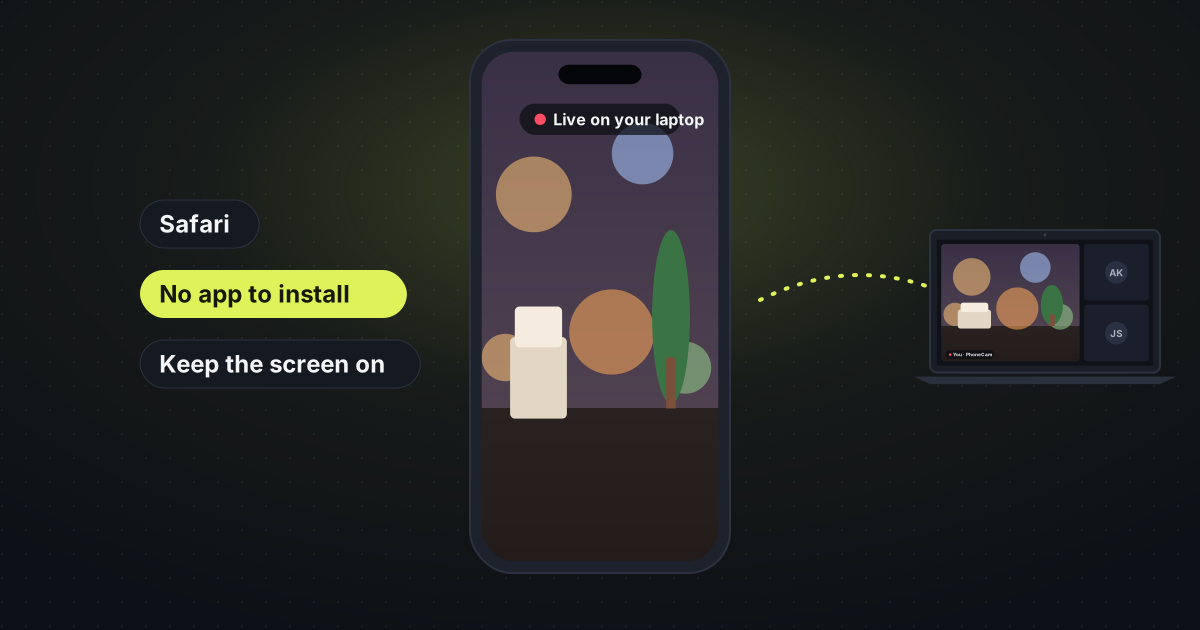
iPhone · 2 min read
Use an iPhone as a webcam
Safari, no app, and the picture goes straight to your laptop.
Read the guide →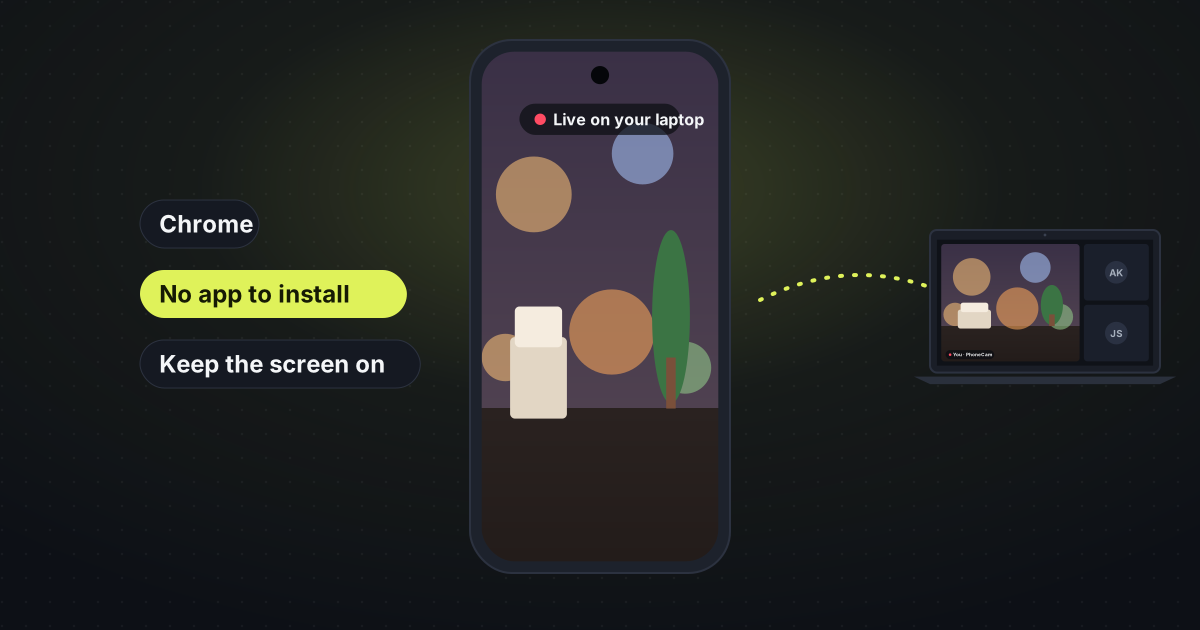
Android · 1 min read
Use an Android phone as a webcam
Chrome on the phone, no app to install, and the picture goes to your laptop.
Read the guide →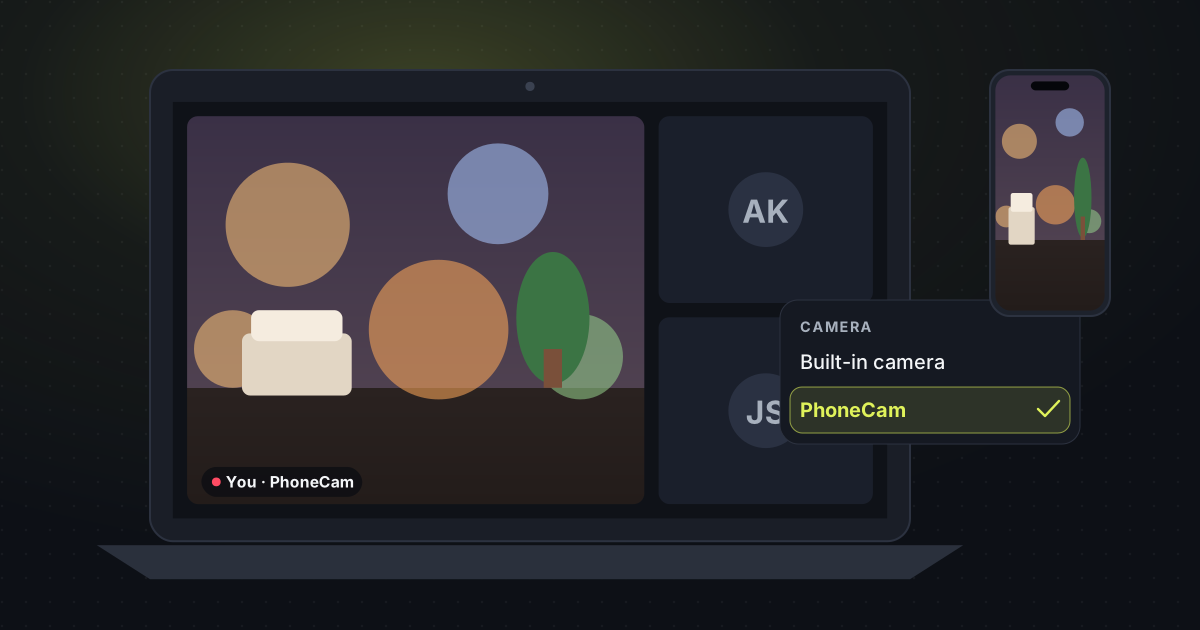
Meetings · 2 min read
A webcam for Zoom, Google Meet and Teams
Your phone shows up as a camera called PhoneCam, or you share the tab.
Read the guide →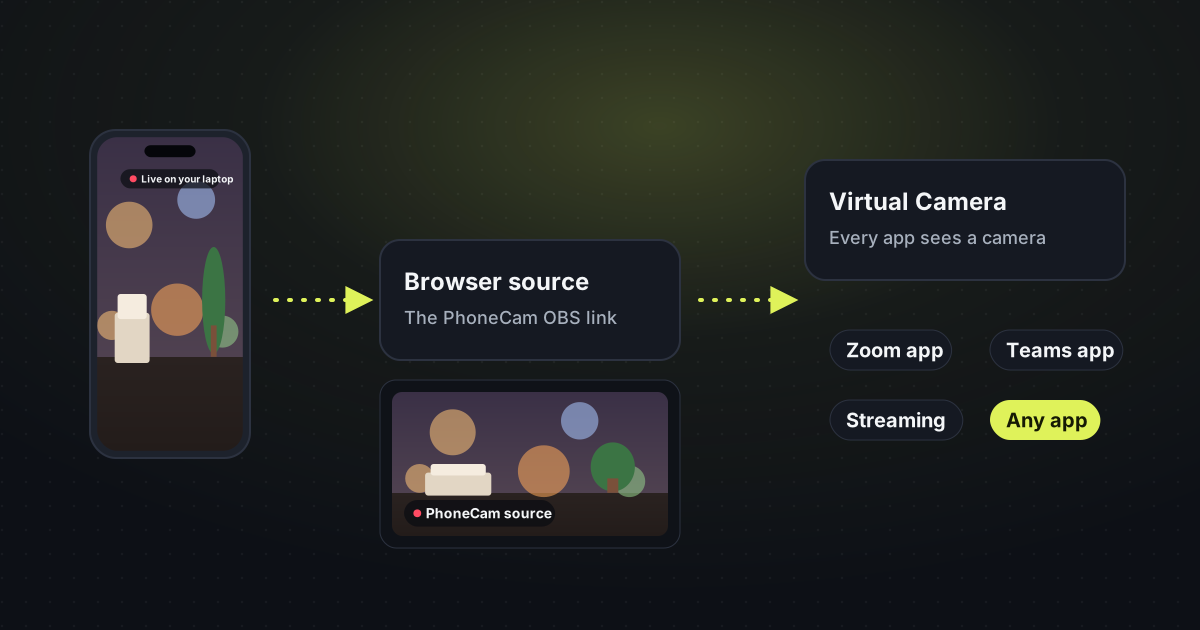
Streaming · 1 min read
Use a phone as a camera in OBS
A browser source from your phone, then OBS Virtual Camera for every other app.
Read the guide →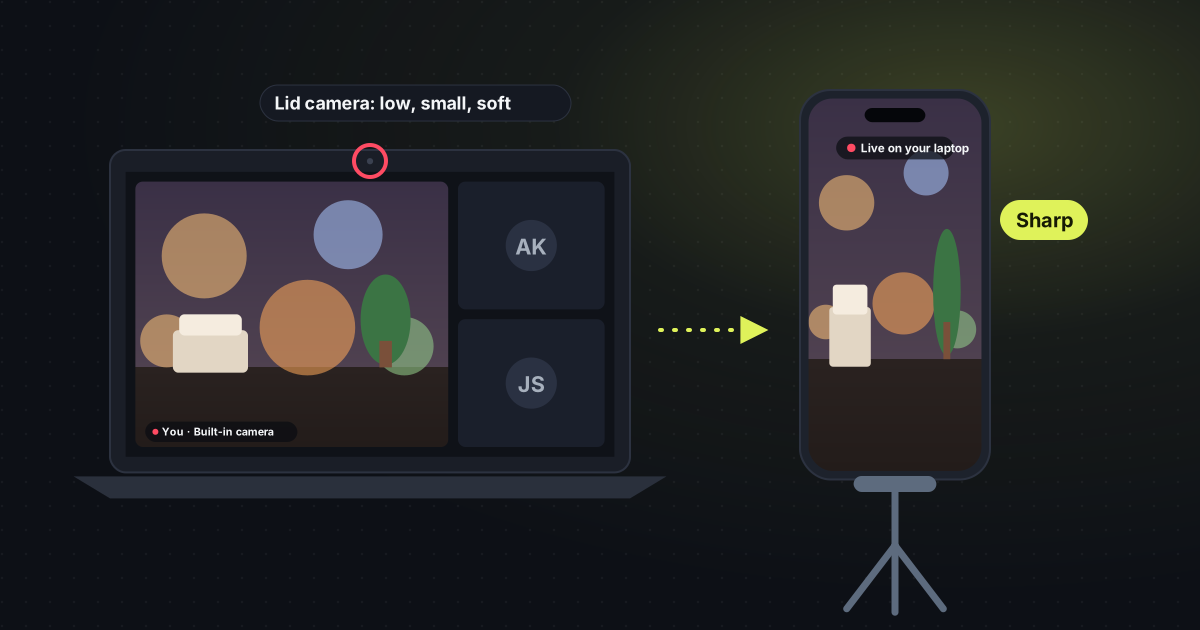
Picture quality · 1 min read
Laptop webcam blurry? Use your phone
The camera in the lid is the weak one. The phone in your pocket is not.
Read the guide →