Buying advice · 2 min read · Updated October 24, 2026
Why buy a new webcam when the camera is already in your pocket?
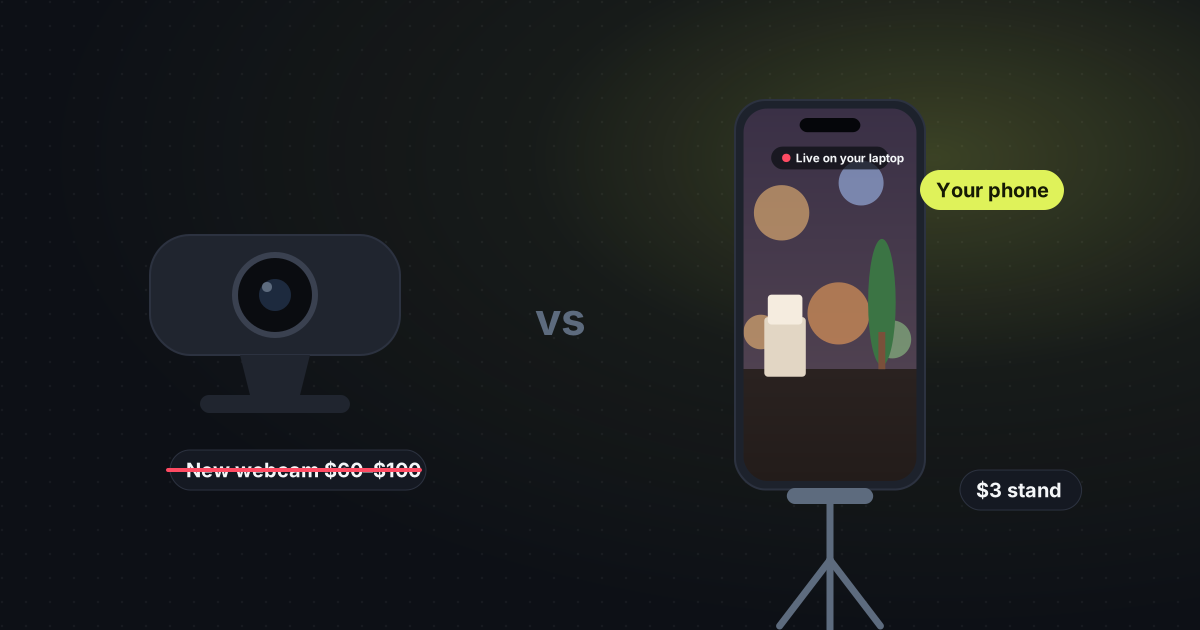
A basic webcam is a small sensor glued to the top of a screen. The phone you already own has a better one. Put it on a stand that costs about $3, and use that picture in your meeting.
What a cheap webcam actually is
Webcams under about $100 are usually 720p or a soft 1080p, with a fixed lens and no room to move. They sit next to the laptop’s own camera, which is the same idea: a tiny camera staring down at you. You pay for a plastic shell and a USB cable.
A phone from the last few years focuses, handles a window behind you more gracefully, and can sit wherever you put the stand. Eye level, beside the laptop, or aimed at a desk. The laptop lid does not decide the angle.
The shopping list: the phone you have, a phone stand (clip, gooseneck or mini tripod, often about $3), and the laptop you already join meetings on. No new camera.

How the picture gets to the laptop
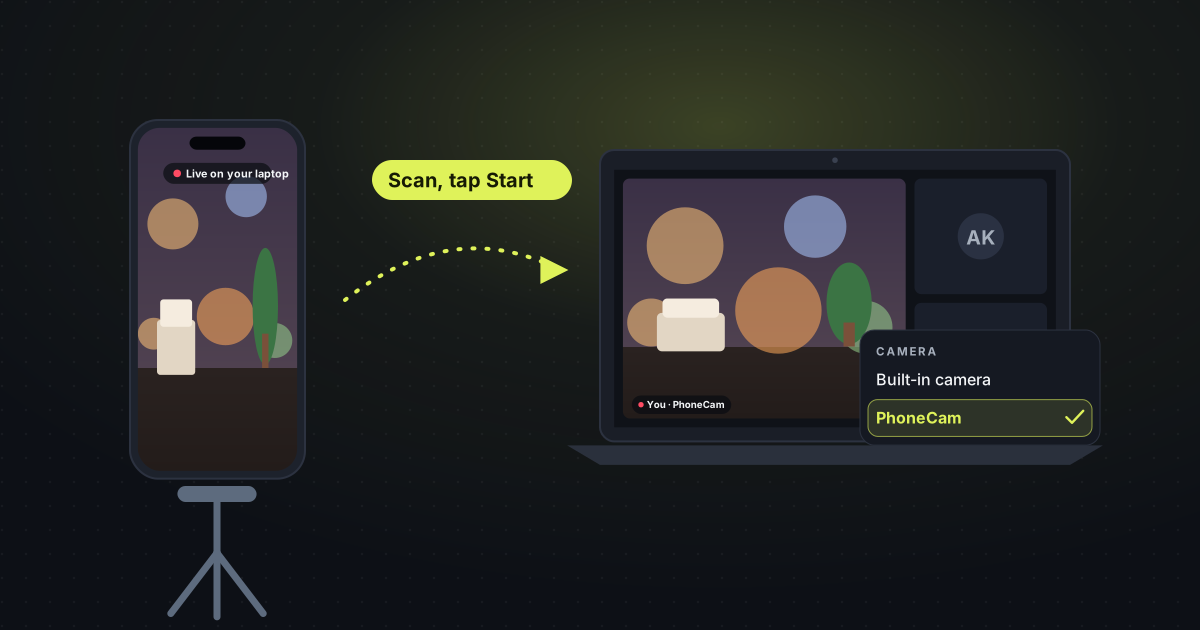
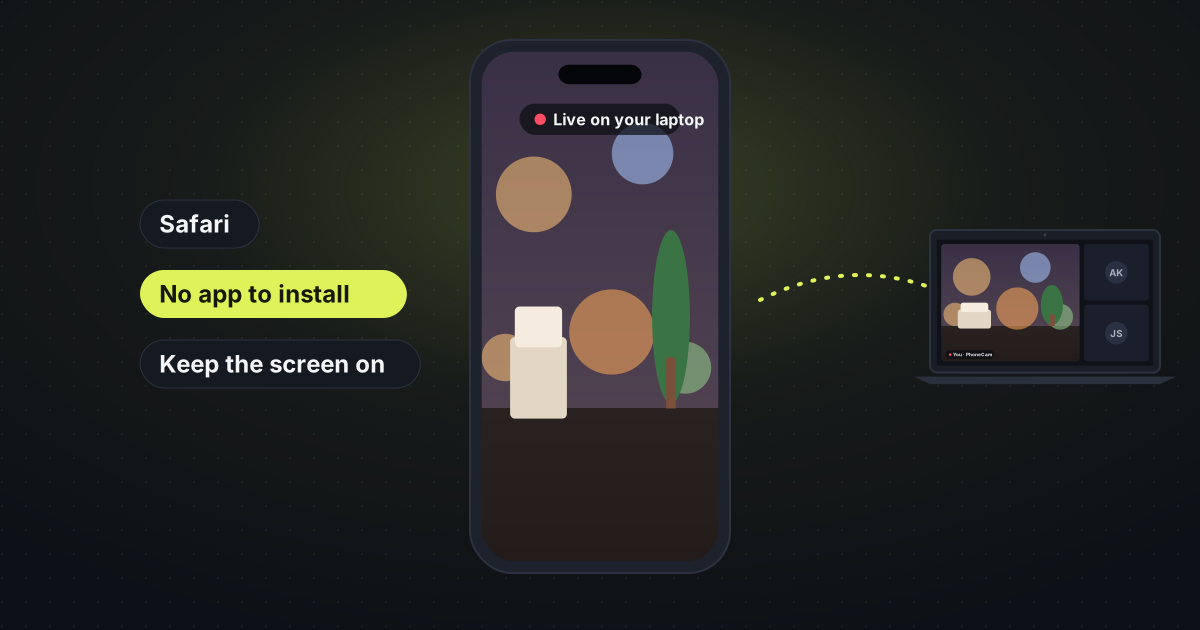
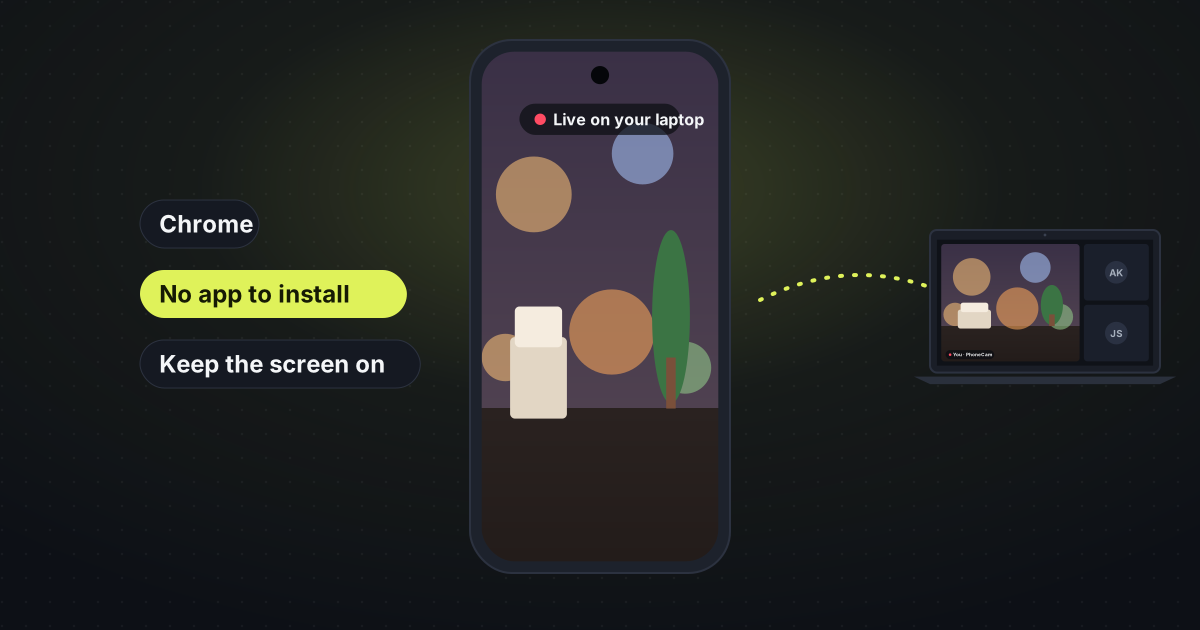
PhoneCam runs in Safari or Chrome on the phone. Nothing to install there, and no account. On the laptop you open the receiver, scan the code, and tap Start. The video goes straight from the phone to the laptop. In Google Meet, Teams, Zoom on the web, Discord and Webex it can show up as a camera called PhoneCam. Desktop apps can share the tab, or take it through OBS.
The full steps are on use your phone as a webcam.
When a real webcam is still the right buy
Buy one if you want a single USB cable and you never want to think about a phone battery. PhoneCam keeps the phone awake while you stream, and iPhones pause the camera if you leave Safari. A dedicated webcam is simpler in that one way. It is not sharper, and it cannot move.
Questions
Do the phone and laptop need the same Wi-Fi? Same Wi-Fi is the most reliable. Different networks often work too.
Is it free? Yes. No sign-up and no subscription. A stand is the only thing you might buy, and that is a few dollars, not a webcam.