Picture quality · 1 min read · Updated October 24, 2026
Your laptop camera looks soft. Your phone does not.
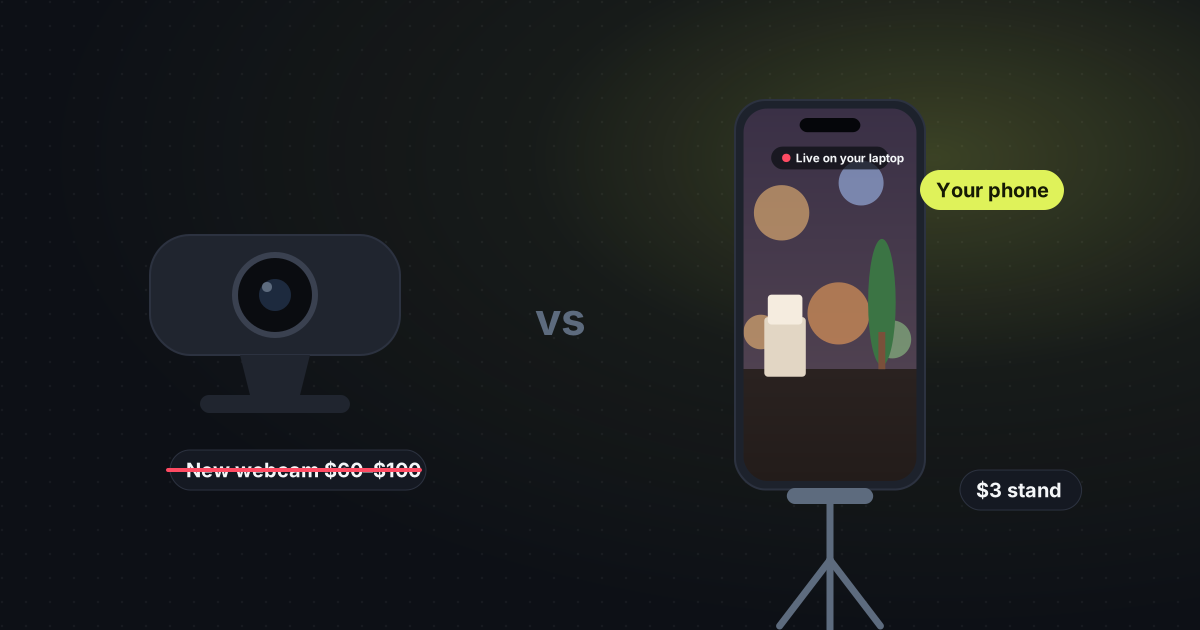
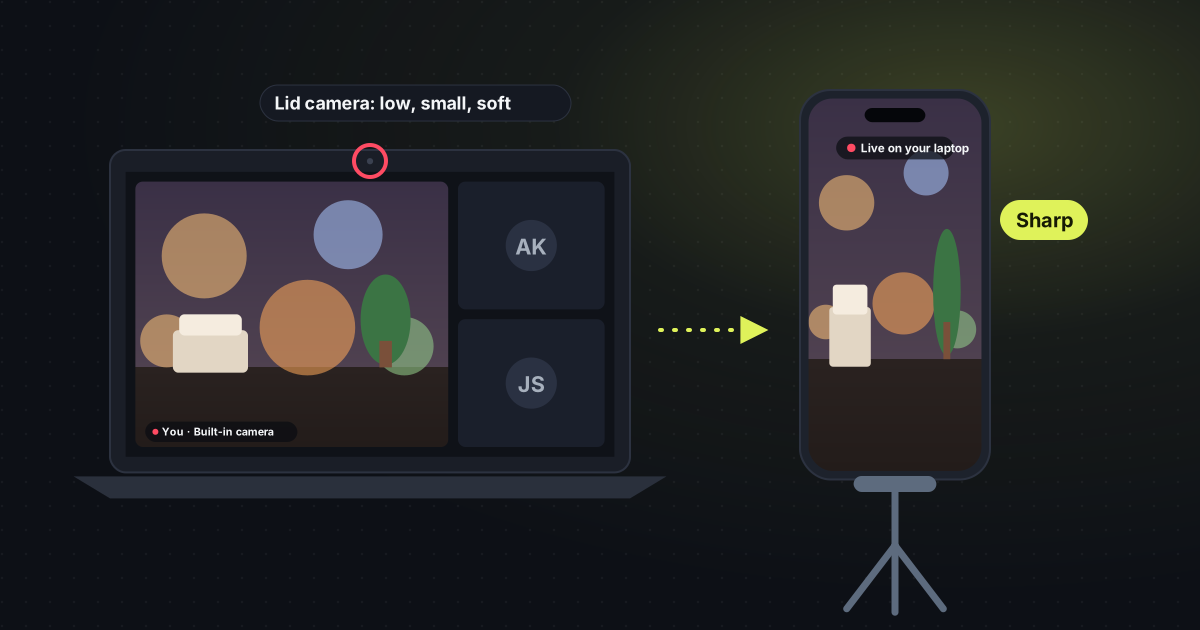
The webcam in a laptop lid is small, fixed, and usually looking down at you. Wiping the lens helps. A new $60 webcam helps less than people hope. The phone already in your pocket is the better camera.
Use my phone for the next call
Why the built-in camera looks bad
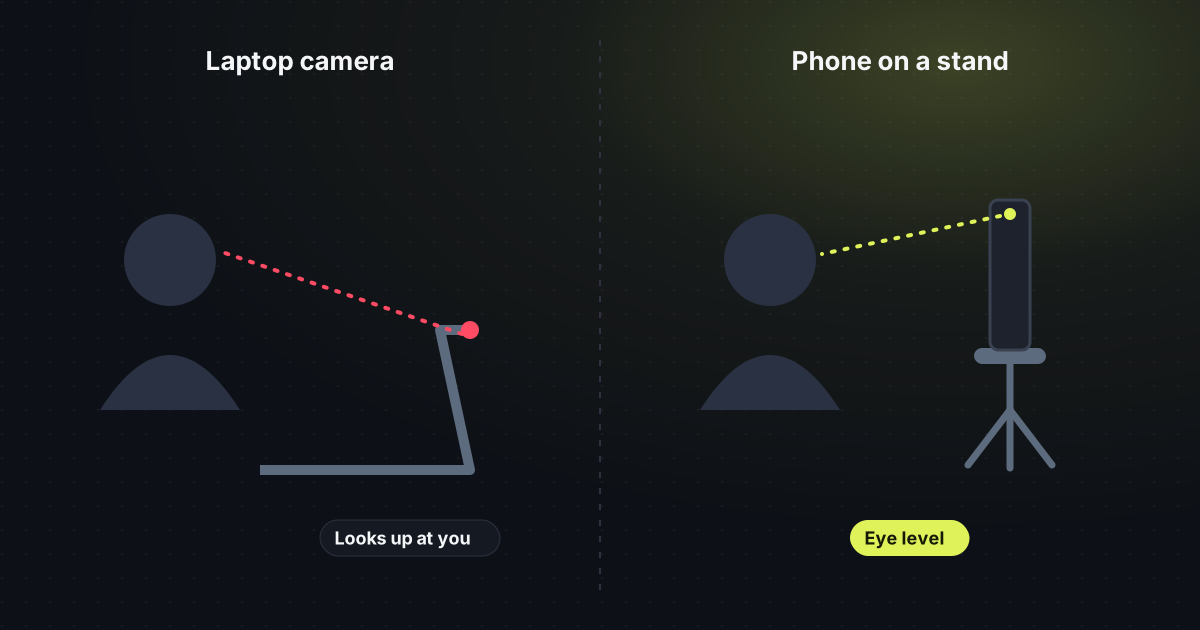
It sits above the screen, so the angle is always slightly down, and you cannot move it to eye level. The sensor is tiny because it has to fit in the lid. In a dim room it smears. A window behind you turns you into a silhouette. None of that is fixed by a software slider called “HD”.
Two changes that matter more than a new webcam
- Face the light. Sit facing a window, or put a lamp in front of you, not behind. This helps any camera, including the laptop one, and it helps the phone even more.
- Move the camera. A phone stand, often about $3, puts the lens at eye level and lets you choose the back camera, which is the sharp one.
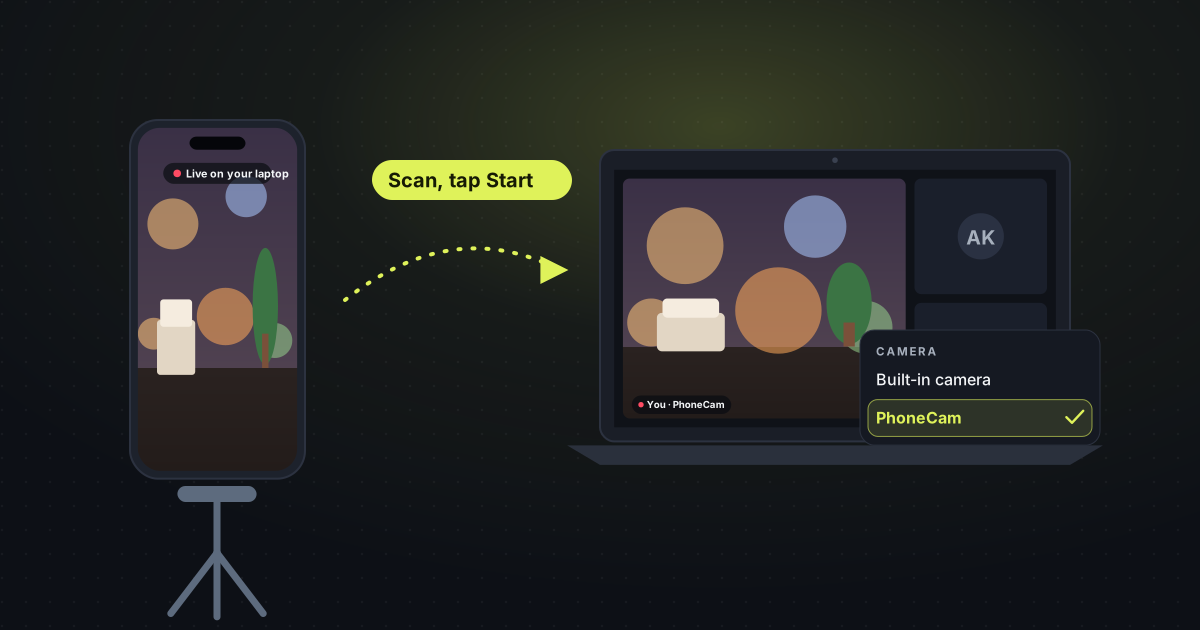
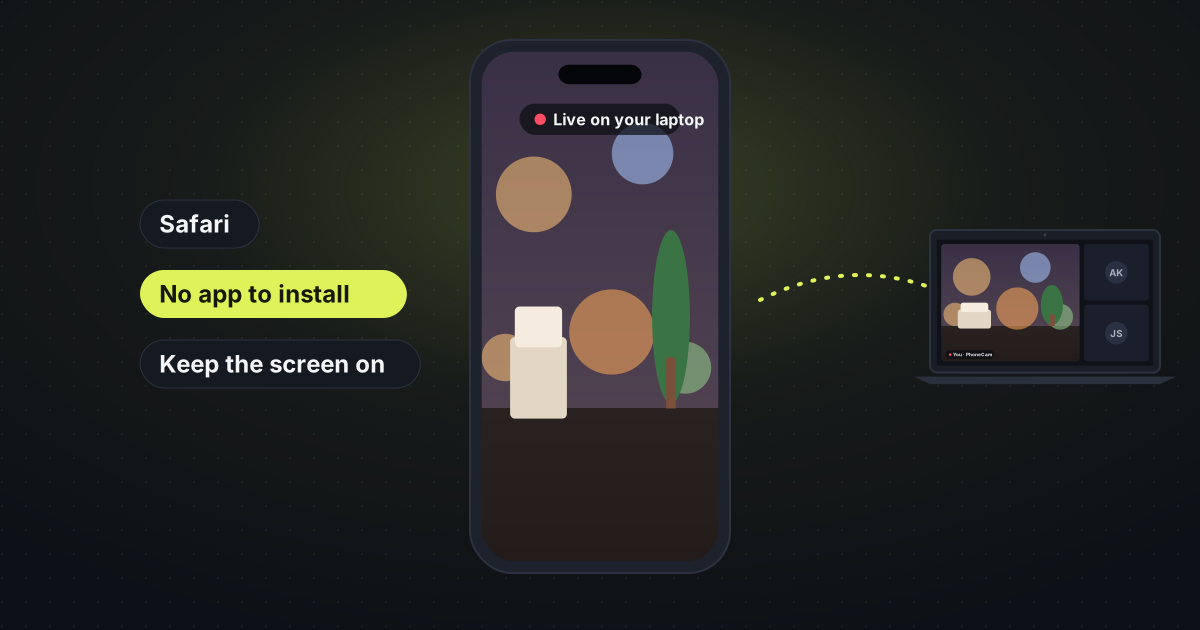
PhoneCam sends that phone picture to the laptop. No app on the phone. In the browser it can appear as a camera called PhoneCam. The buying version of this argument is skip the new webcam. The steps are use your phone as a webcam.